✅ What are the small icons on the clip buttons?
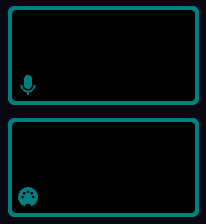
The Sound Input and MIDI Notes symbols on the clip buttons
Sometimes you will see small symbols on the clip buttons :
- Microphone symbol - this clip has a Sound Input oscillator, and will respond to audio in some way.
- MIDI symbol - this clip has a MIDI Notes node, so responds to MIDI input.
- T - this clip has been played with the Timeline rather than manually.
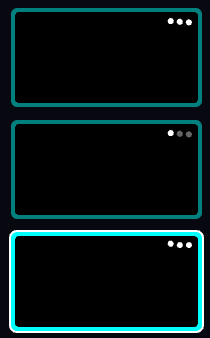
The Zone delay / chase symbols
If the clip uses the Zone delay / chase system, you'll see three dots on the clip button. These animate in a way that represents the zone delay settings.
- Zone delay - the dots will animate up and down with a delay
- Chase - the dots will flash on and off
- Delay with re-trigger - the dots will animate with a reset on every repeat.