✅ Pause or cancel payments
Recurring paid licences auto-renew each month, but you can pause or cancel future payments from your account.
If you pause payments, your licence stays active until the end of the current paid period. When the pause starts, paid access stops until the licence restarts. If you cancel payments permanently, your licence stays active until the end of the current paid period, then returns to Free mode and no further payments will be taken.
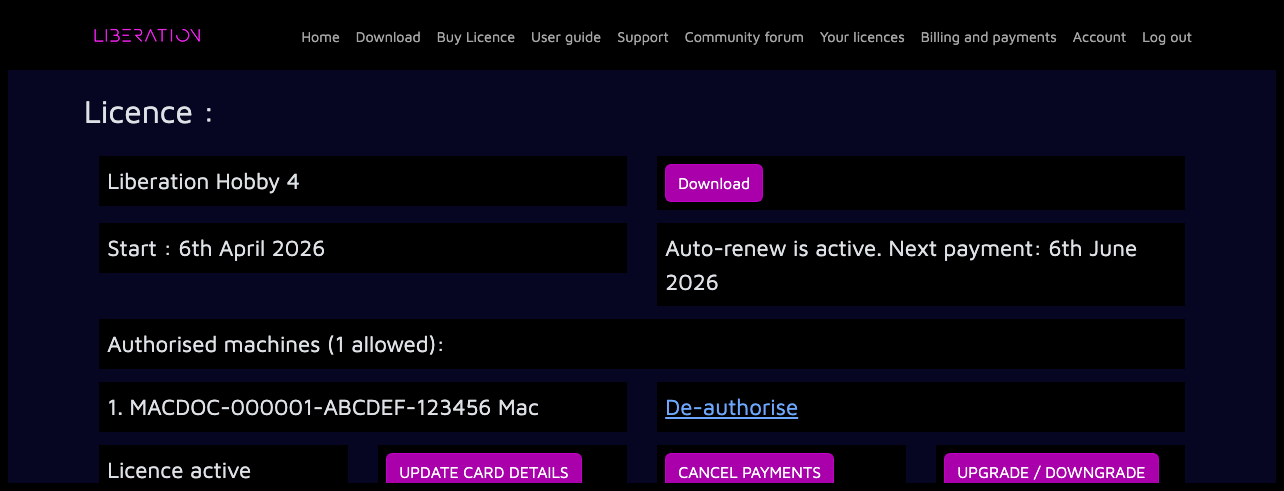
Log in to the website, open the Your licences page, then choose the licence you want to manage.
Pause payments
If payment pausing is available for your licence, click PAUSE OR CANCEL PAYMENTS.
Under Pause payments, choose when payments should restart:
- Next month
- On a date I choose
- Only when I restart manually
Then click PAUSE PAYMENTS.
Your licence page will show Payments paused from and the paid period end date. Your licence will stay active until that date.
Before the pause starts, you can click REACTIVATE PAYMENTS to cancel the scheduled pause. Payments will then continue as normal.
After the pause starts, your licence page will show Licence paused. From there you can restart the licence now, change the restart date, pause until you restart manually, or cancel payments permanently.
When a paused licence restarts, Paddle will take payment using your saved payment method.
Cancel payments permanently
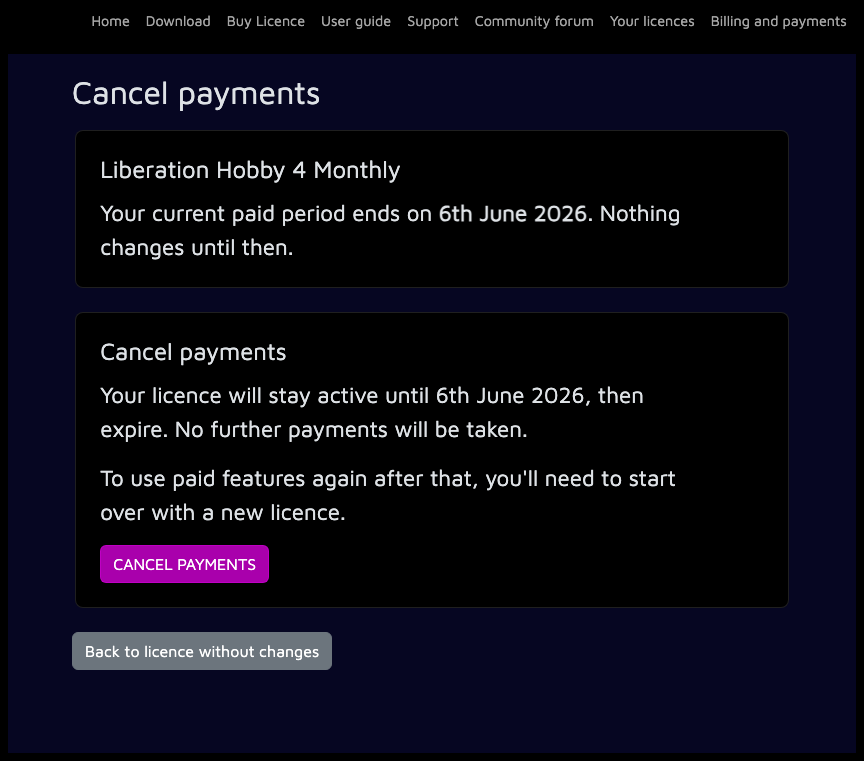
To stop future payments without scheduling a restart, use Cancel payments permanently and click CANCEL PAYMENTS.
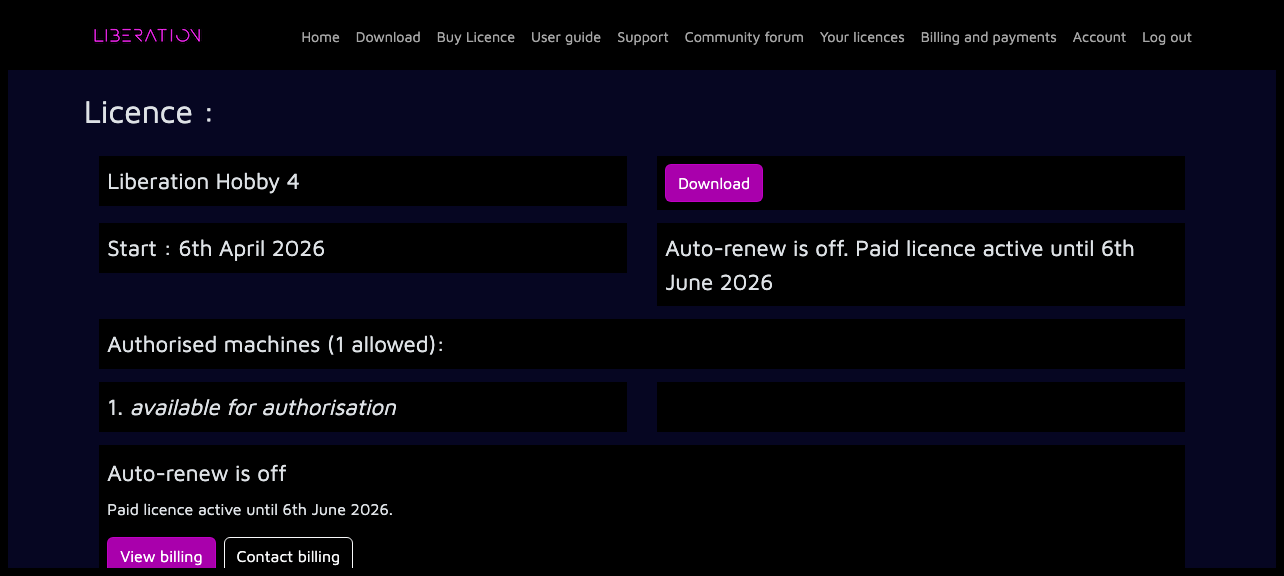
After cancellation, the licence page will show Auto-renew is off and the date your paid licence remains active until. To use paid features again after that, you'll need to start over with a new licence.